QR emergency ID · no signal
When there’s no signal, the card should still speak
A QR medical ID usually opens a web page, so the helper’s phone needs a connection. In the countryside, the metro or abroad without data, that can fail. A free offline backup code puts the essentials in plain text inside the QR itself, so any phone camera can read it with no internet.
Make your codes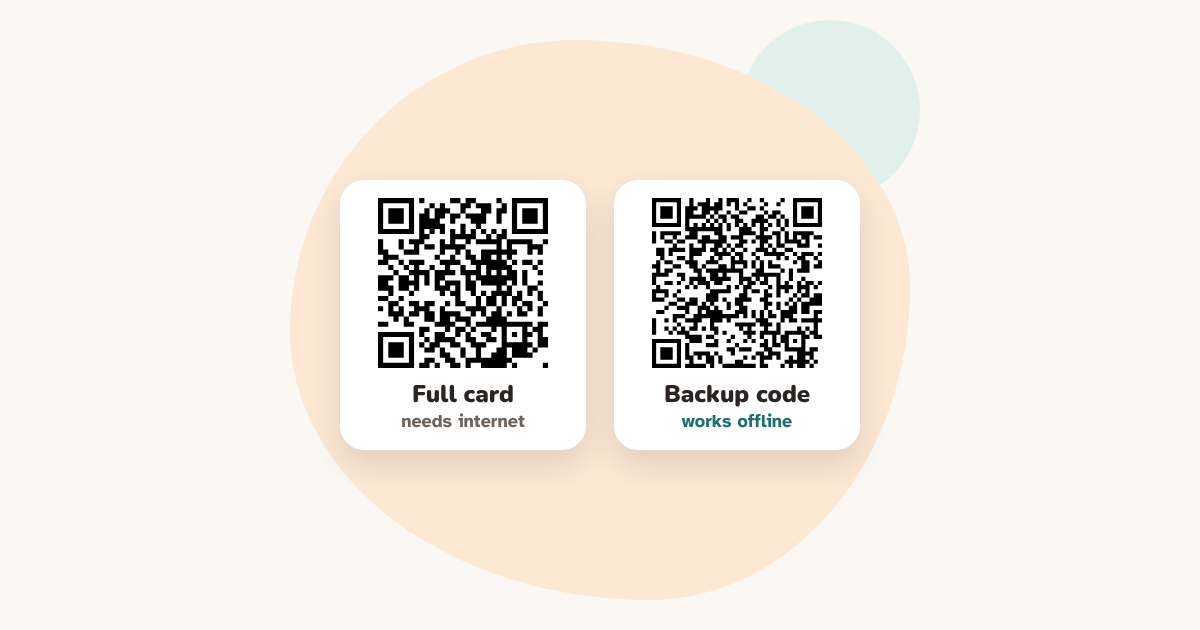
How the two codes work together
- The main code opens the full emergency card: call buttons and first-aid steps for each condition, in the helper’s language. It needs internet once, to load the page.
- The backup code holds a short text: first name, conditions, allergies, medicines, your message, who to call and the emergency number. Phone cameras show it without any connection.
- Neither code is stored anywhere. Both are made on your own device and never sent to us.
When the backup code helps
No mobile signal on a hike, in the countryside, an underground car park or the metro. A helper visiting from abroad with roaming switched off. A phone with no data plan.
How to make one
- Create your emergency ID as usual.
- Tick “Also make a backup code that works without internet”.
- Check the text preview: it is exactly what a helper will see.
- Download the backup image, or print the wallet card: the backup prints as a second card to glue on the back.
Where to put it
- On the back of a tag or of the wallet card: it needs about 2 to 3 cm.
- Next to the main code, with a short label such as “No internet? Scan this one”.
- Keep a phone number printed in plain text too: it works with no phone at all.
What it can’t do
It is plain text: no call buttons and no first-aid steps. Some iPhones show the first lines straight away and the rest when tapped, so the most important lines come first.
Questions
Does a QR medical ID work without internet?
A QR code that opens a web page needs a connection on the helper’s phone. A QR code that contains plain text does not: the phone camera reads the text directly. DigitalBracelet lets you make both, for free.
Is the offline code less private?
It holds the same information as your card, in plain text, so anyone who scans it can read it, just like the main card. Include only what a helper needs.
Why not put everything in the offline code?
Text makes the code bigger. Keeping it short means it stays small enough to scan from a tag or a card.
Do I need to update it?
Yes, like the main code: if a phone number or a medicine changes, make new codes and replace the old ones.

Create your free emergency ID. Takes 3 minutes. No account. Free forever.
Make your codesMore practical guides
Updated 14 October 2026