Phone emergency info · step by step
Let your locked phone speak for you
A locked phone can show your emergency details to the person helping you, without your passcode. It takes five minutes, it is free, and it works alongside your bracelet: the phone helps when it is with you, the bracelet when it isn’t.
Make your lock-screen image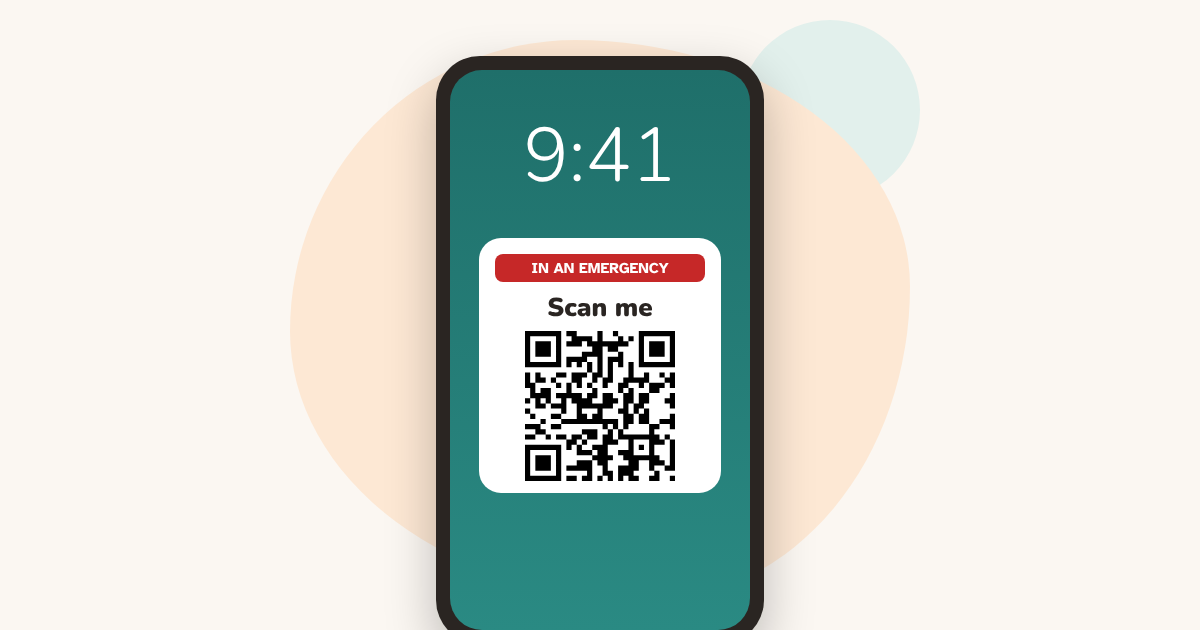
On iPhone: Medical ID
- Open the Health app, tap Summary, then your profile picture in the corner.
- Tap Medical ID, then Edit (or Add next to a field) and fill in your conditions, allergies, medications and emergency contacts.
- Turn on Show When Locked, so people can see it without your passcode.
- Turn on Share During Emergency Call, so it is sent when you call emergency services (where this is available).
- Tap Done.
On Android: emergency information
- Open the Safety app (called Personal Safety in the Play Store) and sign in.
- Tap Your info, then Medical information to add blood type, allergies and medications.
- Tap Emergency contacts, then Add contact.
- Tap Emergency info access, then Show when locked.
On some phones, Samsung for example, these options are in Settings, under Safety and emergency. Names vary by phone maker and Android version.
How a helper opens it
- iPhone: on the locked phone, open the passcode screen, tap Emergency, then Medical ID.
- Android: swipe up on the locked screen, tap Emergency, then View emergency info.
Add your QR code to the lock screen
Not every helper knows where to look. A lock-screen image with your emergency QR code and the words “In an emergency, scan me” is visible to anyone who picks up the phone. Make it in the generator with the lock-screen image button, then set it as your wallpaper.
Phone and bracelet: why both
A phone can be lost, out of battery or left in a bag. A bracelet stays on the wrist. The phone holds more detail; the bracelet works when the phone doesn’t.
Questions
Can paramedics see Medical ID on a locked iPhone?
Yes, if Show When Locked is on: anyone can open it from the Emergency button on the passcode screen, without unlocking the phone.
Is it safe to show medical information on a locked phone?
Anyone who picks up the phone can read it, so include only what a helper needs. The rest of your phone stays locked.
Does it work on Android?
Yes. Most Android phones let you add medical information and emergency contacts and show them on the locked screen. The menu names vary by maker.
Do I still need a bracelet?
It helps: a phone can be lost, in a bag or out of battery, and children and many older people don’t carry one. A bracelet or tag stays with the person.

Create your free emergency ID. Takes 3 minutes. No account. Free forever.
Make your lock-screen imageMore practical guides
Sources
Updated 14 October 2026